
San Francisco · Temporary Power Services
Jobsite Internet in San Francisco
Bonded LTE and 5G kits with satellite backup and outdoor mesh WiFi for job trailers, gates and cameras, set up and removed by our own crew.
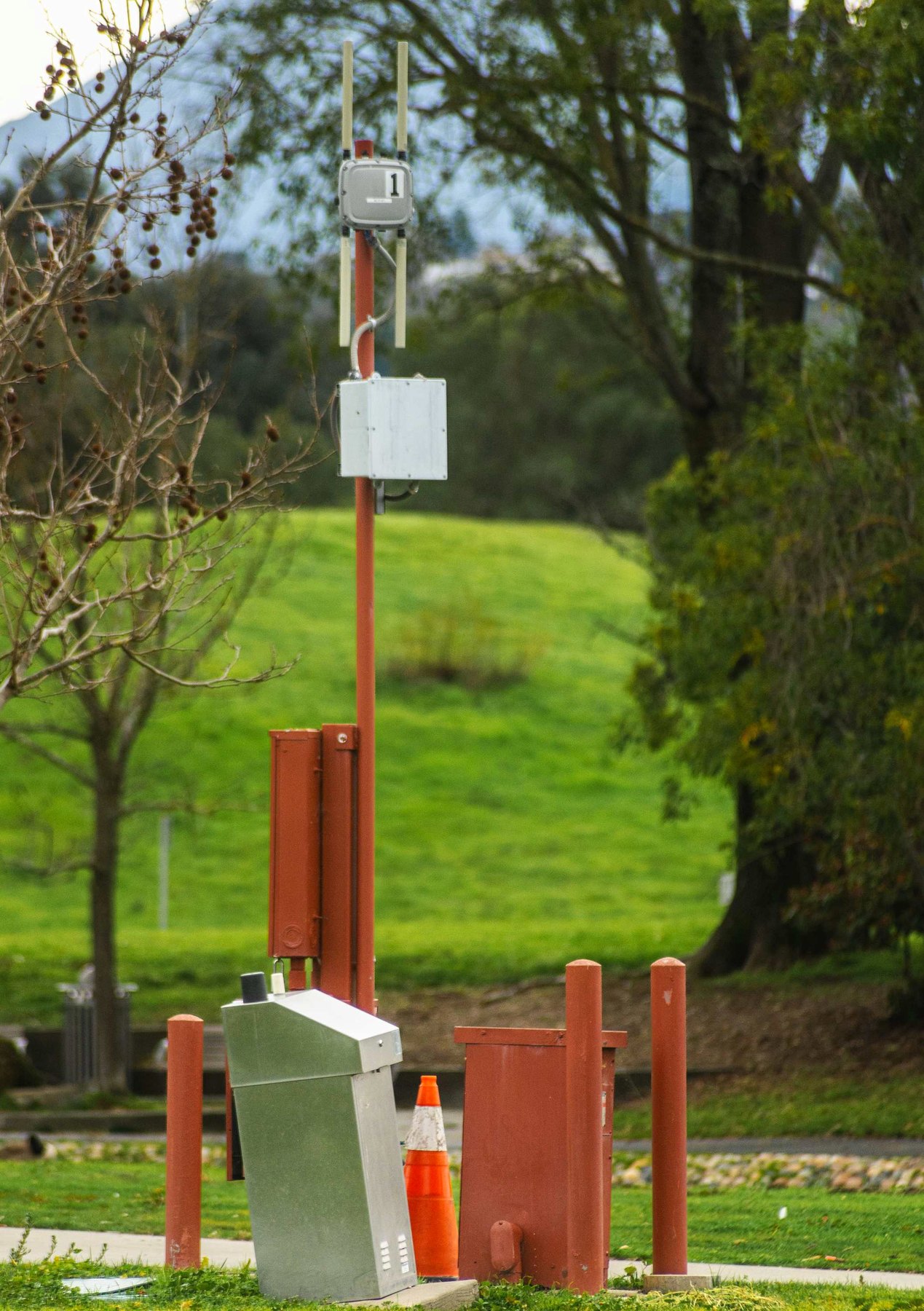
Jobsite Internet · San Francisco
Internet for a Building That Has No Line Yet
A construction site rarely has a working internet line when the trailer shows up, and ordering one for a 14-month build makes little sense. Our jobsite internet kits run on cellular and satellite instead. Each kit has an industrial router that bonds two or three LTE and 5G carriers into one connection, an optional Starlink-class dish as a second path, and outdoor access points that carry WiFi across the lot. We set these up in San Francisco and the north peninsula for office trailers, gate stations, sales centers and floors under construction. Your superintendent can open full drawing sets, join video calls with the design team and file daily reports from the deck. Plans are monthly, and setup and removal are on us.
Why an Electrical Crew Sets Up Your Network
A phone hotspot struggles once the router lives inside a steel trailer and the crew is four floors up behind rebar. We treat the network the same way we treat a temp service. We test carrier signal at the trailer and at the work areas, mount antennas high enough to see past nearby buildings, and power the hardware through surge protection off a permitted circuit. Downtown towers are close but crowded, and hills around Daly City and San Bruno can shadow a single carrier. Bonding carriers lets traffic shift when one slows down. The same setup can carry the camera trailer watching your lot, so the whole site runs on one managed network.
- Two or three carriers bonded on one router
- Satellite backup on open-sky sites
- Outdoor mesh WiFi from trailer to top deck
- Monthly plans with setup and removal included
Signs Your Site Has Outgrown a Phone Hotspot
These are the reasons crews call us for a real connection.
No line, and a long wait for one
Raw lots and gutted buildings usually have no live data service, and an install date from a cable or fiber provider can be months out. A cellular kit can be online within days of the order.
Drawings, models and video calls
Plan sets, BIM files, RFIs full of photos and video calls with the architect move a lot of data every day. A single phone shared as a hotspot will not keep up with that for a whole site team, and whoever owns the phone loses it until quitting time.
Cameras and gate hardware need a steady uplink
IP cameras, gate intercoms and badge readers need a connection that stays up overnight and often a fixed address. Those devices belong on their own segment, away from crew phones and guest laptops.
WiFi has to reach the deck and the gate
Inspectors walk the slab, drivers want a signature at the gate, and punch lists get written on upper floors. Outdoor access points and a mast at the trailer push coverage out to those spots.
Hills and tall neighbors cut the signal
A carrier that looks strong on a coverage map can fade behind a hillside or between two towers of glass. With two or three carriers bonded, and a satellite path where the sky is open, one weak signal slows you down without knocking the site offline.
Give us the trailer spot, the number of users and the camera count, and we will lay out the network. Call: (415) 936-1338
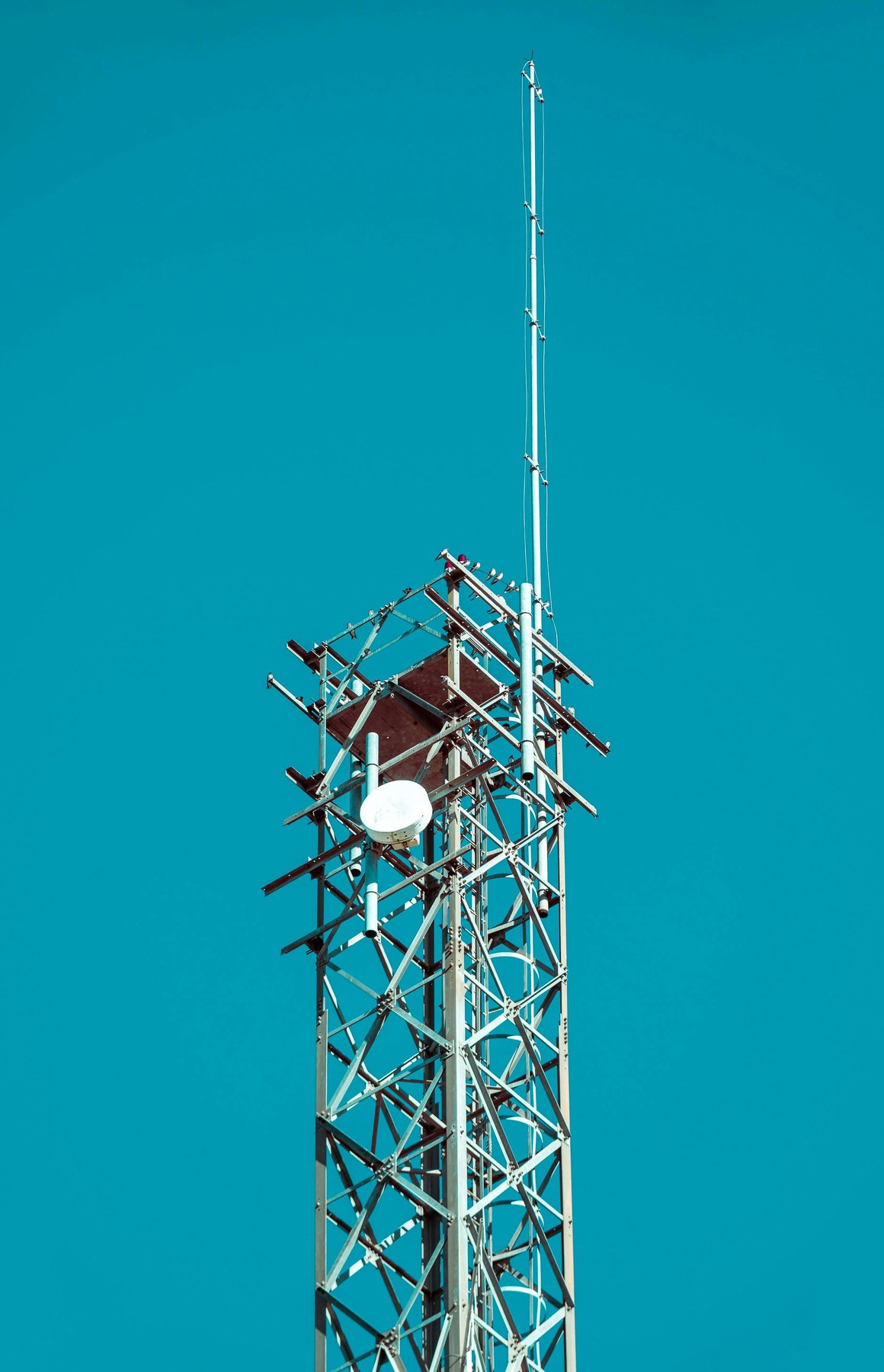
How We Work
The same project manager stays on your job from the first call to the day we pull the gear. The steps look like this:
1. Signal survey on site
We test each carrier at the trailer, the gate and the work floors, and we check for open sky if a satellite dish is on the table. That tells us which carriers to bond and where the router and antennas should mount.
2. Configure in the shop
SIMs, routers and access points are set up before delivery, with a separate network for cameras and gate devices and fixed addresses where they are needed. Firewall settings and remote monitoring are switched on before the kit leaves.
3. Install, test and keep watch
The crew puts up the router and antennas, pulls and terminates cable, places outdoor access points and runs speed tests across the site. From then on we monitor it from the office and get an alert if a carrier drops.
Parts of a Jobsite Internet Kit
Bonded LTE and 5G routers
An industrial router holds two or three SIMs from different carriers and splits traffic across them. When one carrier slows, traffic moves to the others and nobody has to reset anything. Real speeds depend on the address and how busy the towers are, and the survey gives you an honest number before you sign.
Satellite as a second path
On an open lot with a clear view of the sky, a Starlink-class dish adds a path that does not depend on local towers. In tight downtown blocks, tall buildings can hide much of the sky, so we test before we recommend one.
Mesh WiFi across the site
Weatherproof access points on the trailer, on temporary masts or inside the structure link to each other and spread coverage over the lot. As floors go up, we move or add units so the top deck keeps a signal.
Office trailer coverage
Inside the trailer we set up wired ports for the plotter and a desktop, WiFi for laptops, and a guest network for visitors and trade foremen. The router runs off the trailer circuit, which usually comes from the temporary electrical service on the lot.
Setup, changes and removal
We deliver, install, move the gear when the trailer relocates, and take it all out at the end. Short deployments for a weekend pour, a sales event or an open house are available too.
What Jobsite Internet Usually Costs
Typical monthly plans run $250 to $700 and include the hardware, data and our monitoring. The factors that move a site within that band:
- Number of carriers. One carrier costs the least and works where signal is strong. Two or three bonded carriers cost more and keep you online when one fades.
- Satellite or not. A dish raises the monthly fee and earns its keep on open lots with weak cellular coverage.
- Access point count. A trailer needs one router. Covering a full block or several floors takes more access points and more cable.
- Data use. Office work and email fit a standard plan. Several cameras streaming around the clock push the site into a higher data tier.
- Term length. Month-to-month keeps you flexible. Committing for six months or longer usually lowers the rate.
- Moves and changes. Relocating the trailer or adding floors mid-project means a crew visit, which we quote ahead of time.
Send us the site address and we will run a signal check before we put a monthly price in writing.
Frequently Asked Questions
How fast is jobsite internet?
It depends on the address, the carriers and how busy local towers are. Bonded cellular is usually enough for video calls, large drawing files and several cameras at once. We test at your site before you commit, and you see the numbers.
Can you add satellite internet?
Yes, on sites with a clear view of the sky. We use Starlink-class equipment as a second path next to cellular. In dense parts of SoMa or the Financial District, surrounding buildings can block too much sky for a dish to help, so cellular carries the load there.
Can the network run our security cameras?
Yes. Cameras and gate devices get their own segment and fixed addresses, so crew phones cannot slow them down. Our solar surveillance trailers can join the same network or keep their own cellular uplink.
What does the router need for power?
A standard 120V circuit with surge protection. If the trailer closet also holds a small server or a video recorder, heat builds up fast in a sealed space, and a small spot cooler keeps that gear from shutting itself down.
How quickly can you set it up?
Once the survey is done and hardware is in stock, installation usually takes a day. Call early in the week if you need a connection before a planned trailer move-in.
What happens when the trailer moves?
Tell us the new location and the date. We relocate the router, antennas and access points and run a fresh speed test. Moves are quoted in advance.
Is there a contract?
Plans are month-to-month. Longer terms bring the rate down, but you are not locked in if the project wraps early.
What if it goes down at night?
Our monitoring alerts us when a carrier drops or the router goes offline, and most problems clear remotely. If hardware fails, we swap it during working hours, Monday through Saturday, 7am to 7pm.
Need power on a San Francisco site?
Tell us where the job is, when crews start and which tools and machines will draw power. A project manager calls back with a written quote.
Or call us now: (415) 936-1338